Nightslot Expansion
To meet the needs of the trucking community, MPET will implement an expansion of the night slots.
What does this mean for you?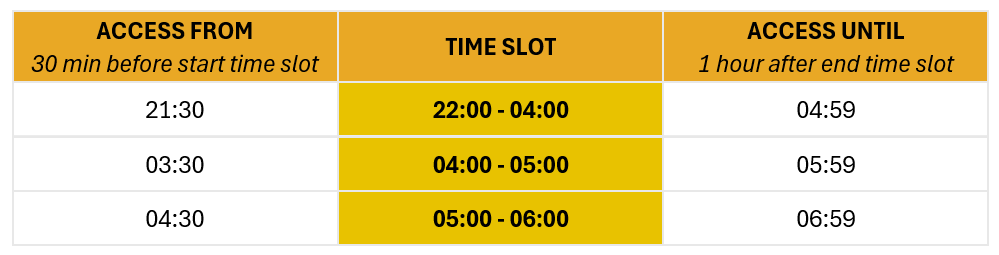
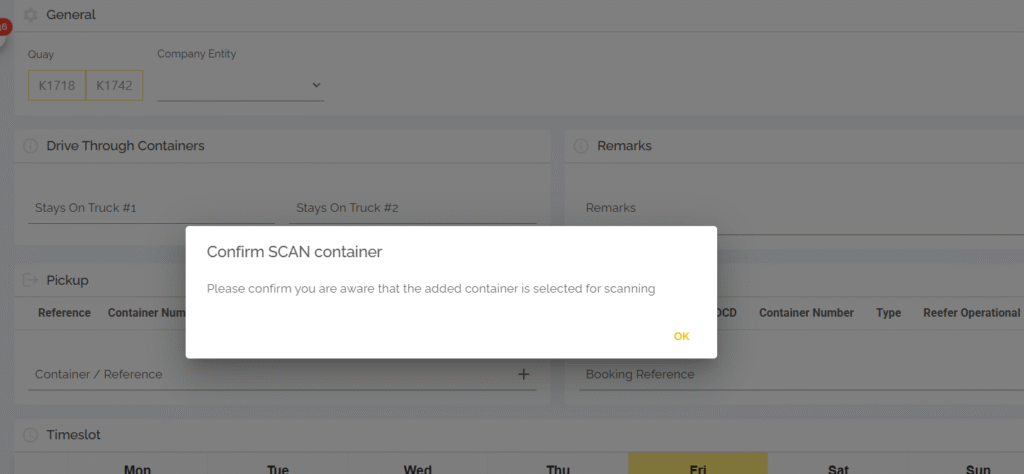
Alert “Selected for scanning” when booking TAR
We now show a pop-up notification when a container is added to a truck appointment that has been selected for scanning by the customs authorities. You must accept you are aware of the scanning request before being able to save your truck appointment.
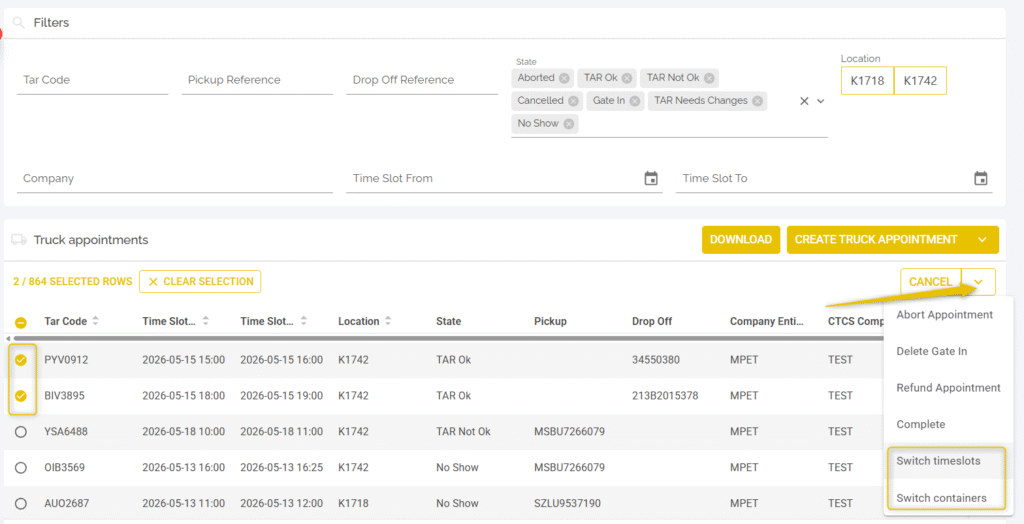
Switch Timeslots and Containers
This feature was developed because it was requested by our trucking community. You are now able to switch either the timeslots of two TAR or change the containers/bookings in those TARs as long as the appointments are for the same quay (1742 OR 1718).
View IMO class while creating TAR
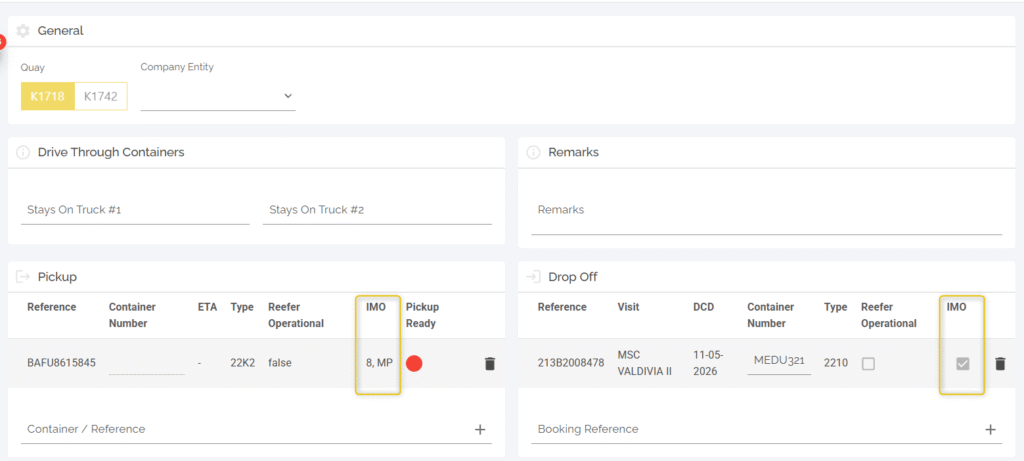
We have added the specific IMO classed for import containers and added a IMO yes/no visualisation for export containers. This is both visible in the hinterland page and when creating a truck appointment. This should improve a truckers capability to be optimally prepared before arraving at our terminal.
Pop-up warning when container does not match ISO standards
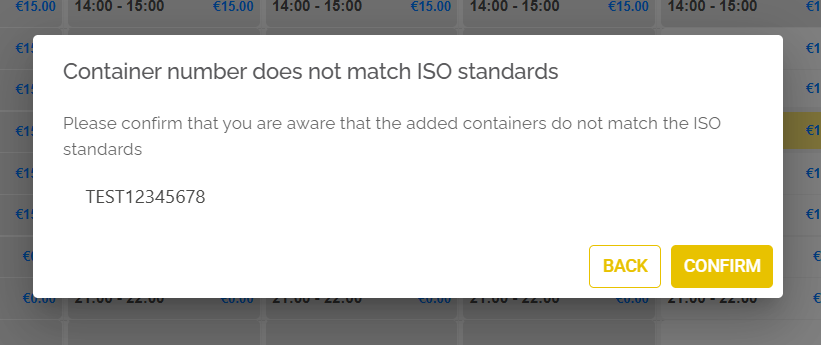
We will now show a pop‑up message when a container number doesn’t meet ISO format during drop‑off TAR creation. Make sure you correct the container number before arriving at the terminal to avoid issues at the gate.
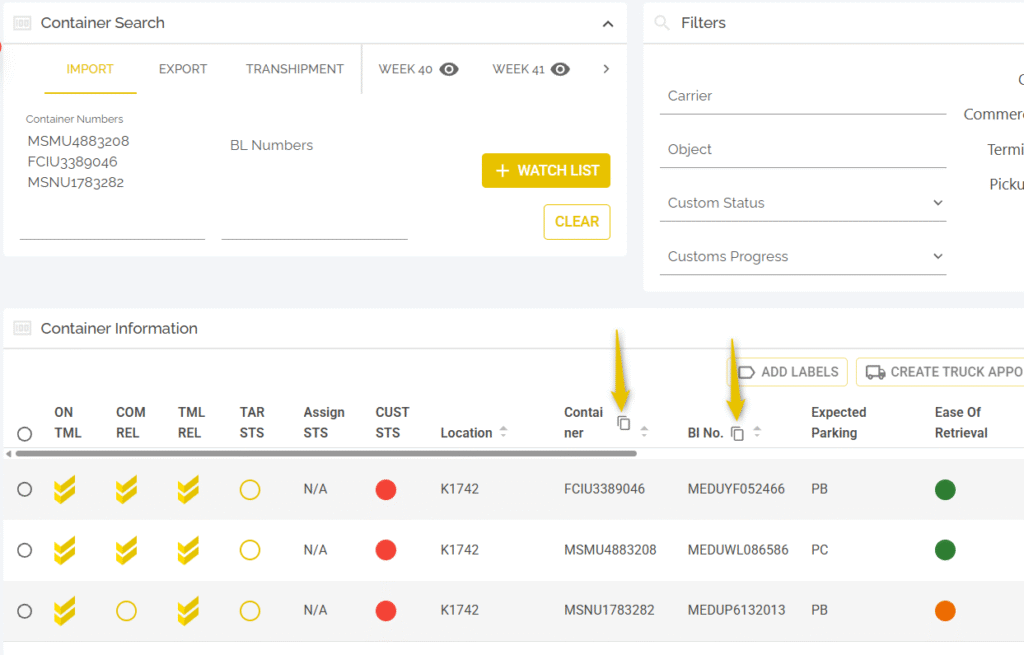
Copy icon to easily copy containers, bookings or BL’s
We have added copy icons to easily copy containers, bookings and bill of lading references. This might reduce the need to download a page and improve user experience.